
Choose your identity provider
Selecting the right decentralized identity (DID) or verifiable credential (VC) provider depends on two factors: your wallet's supported standards and the specific compliance requirements of the dApps you plan to use. There is no single universal provider; instead, you must match your technical stack with the verification depth required by your target platforms.
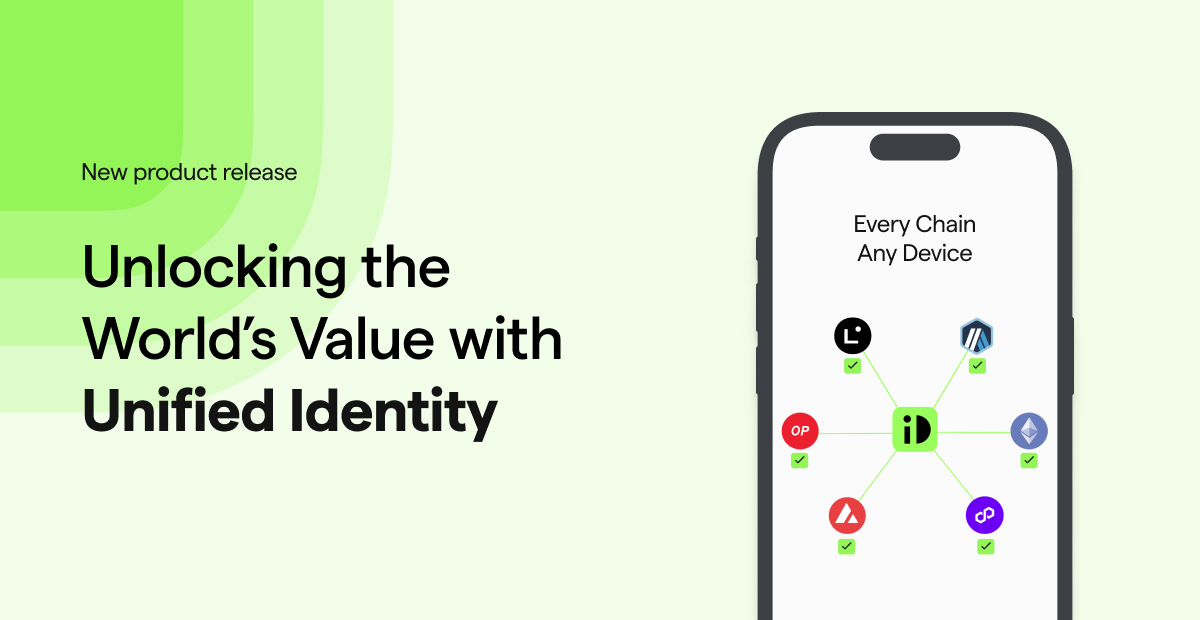
Start by identifying which DID methods your wallet supports. Most modern wallets handle W3C-standard Verifiable Credentials (VCs) or specific chain-native identifiers like ENS or Polygon ID. If you are building for a multi-chain environment, prioritize providers that issue credentials compatible with multiple networks, such as those supporting ERC-4361 or DIDComm.
Next, evaluate the provider's privacy model. Some providers require full KYC (Know Your Customer) and store data on centralized servers, which is necessary for regulated DeFi or institutional trading. Others offer zero-knowledge proof (ZKP) verification, allowing you to prove eligibility (e.g., "over 18" or "sanctions-cleared") without revealing your underlying identity data. For general Web3 usage, ZKP-based providers offer the best balance of utility and privacy.
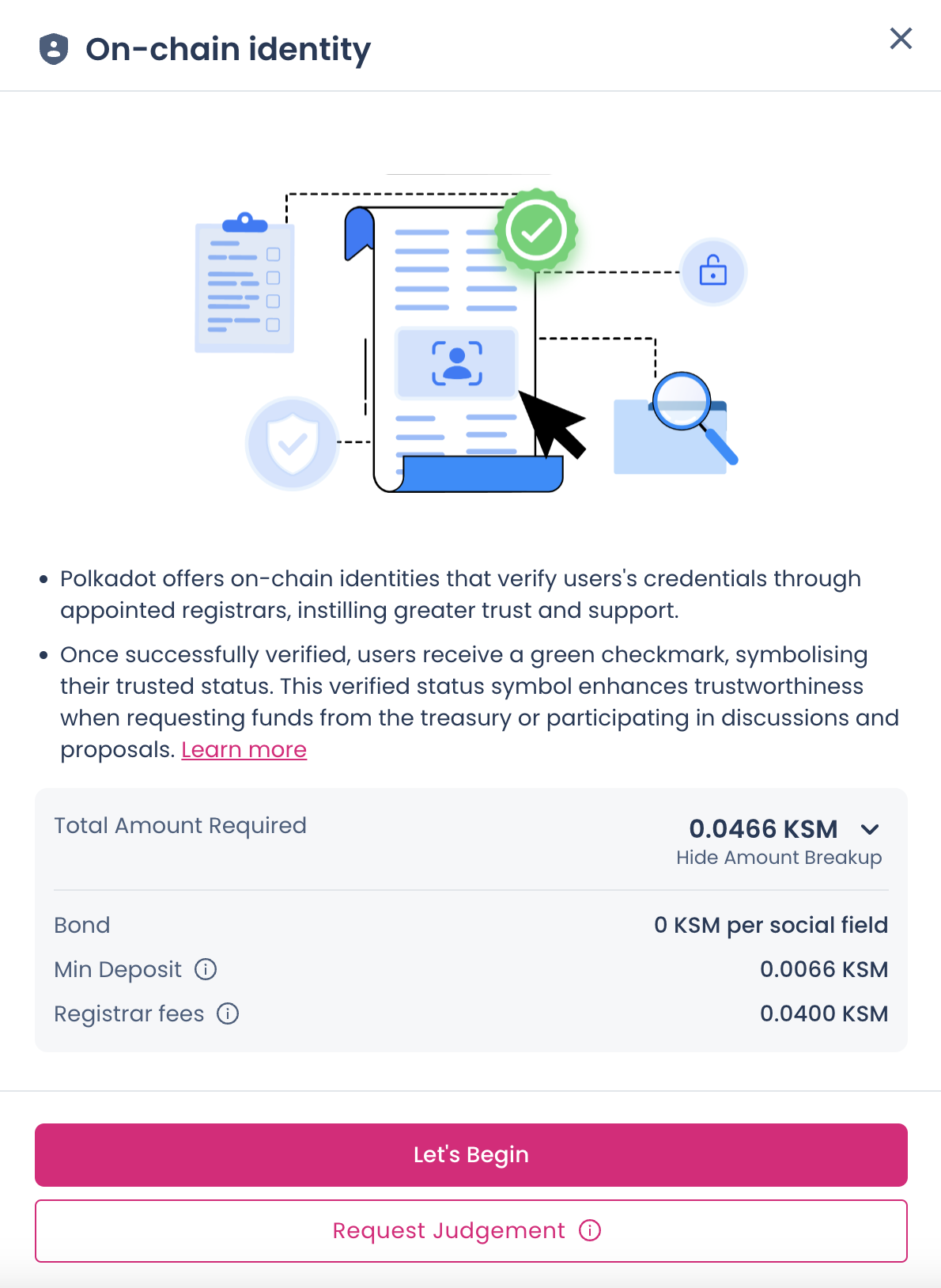
Use the table below to compare the most common provider types against their typical use cases and technical requirements.
| Provider Type | Privacy Model | Supported Chains | Best For |
|---|---|---|---|
| Centralized KYC (e.g., Sumsub, Onfido) | Low (Data stored centrally) | Multi-chain (via attestations) | Regulated DeFi, CEX onboarding |
| ZKP Identity (e.g., Polygon ID, Worldcoin) | High (Zero-knowledge proofs) | Polygon, Ethereum, Optimism | Private airdrops, governance |
| Chain-Native DID (e.g., ENS, Polygon ID) | Medium (Public on-chain data) | Ethereum, Polygon | General Web3 access, reputation |
| SSI Wallets (e.g., Spruce, DigiD) | High (User-held credentials) | Multi-chain (via bridges) | Enterprise, government services |
Link your wallet to the provider
Connecting your Web3 wallet to an identity provider is the first technical step in establishing an on-chain identity. This process links your digital address to a verified human identity without exposing private keys or sensitive data to the provider’s servers.
The provider uses a cryptographic signature to prove you control the wallet address. This method ensures that the identity claim is bound to a specific, verifiable on-chain entity.
Connect your wallet
Navigate to the identity provider’s dashboard. Look for a "Connect Wallet" or "Sign In" button, typically located in the top-right corner. Click it to open your wallet interface (such as MetaMask, Coinbase Wallet, or a hardware wallet app).
Select your preferred wallet from the list of supported options. Ensure you are connected to the correct network (e.g., Ethereum Mainnet, Polygon, or Arbitrum) as specified by the provider. Most modern providers support multiple chains, but the verification step may require a specific network.
Sign the verification message
Your wallet will prompt you to sign a message. This is not a transaction that costs gas; it is a cryptographic proof of ownership. The message usually contains a timestamp and a nonce to prevent replay attacks.
Review the message carefully. It should clearly state that you are verifying your identity with the provider. Do not sign any message that requests token approvals or contract interactions at this stage. Confirm the signature in your wallet.
Confirm the link
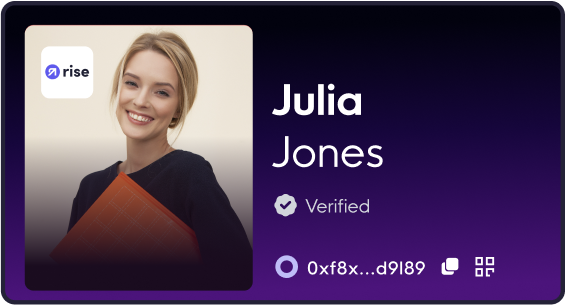
Once you sign the message, the provider’s interface will update to reflect your connected status. You may see a "Verified" badge or a profile link appear. This confirms that your wallet address is now linked to your identity session.
If the connection fails, check your network status and ensure your wallet is unlocked. Some providers require a small test transaction to confirm active wallet ownership. Refer to the provider’s official documentation for specific network requirements Chainlink Onchain KYC.
Complete the verification flow
The actual on-chain identity verification process bridges off-chain personal data with on-chain credentials. Unlike traditional centralized databases, modern protocols use zero-knowledge proofs (ZKPs) to validate identity without exposing raw personal information on the public ledger. This ensures that your KYC status is verifiable by smart contracts while keeping your sensitive documents private.
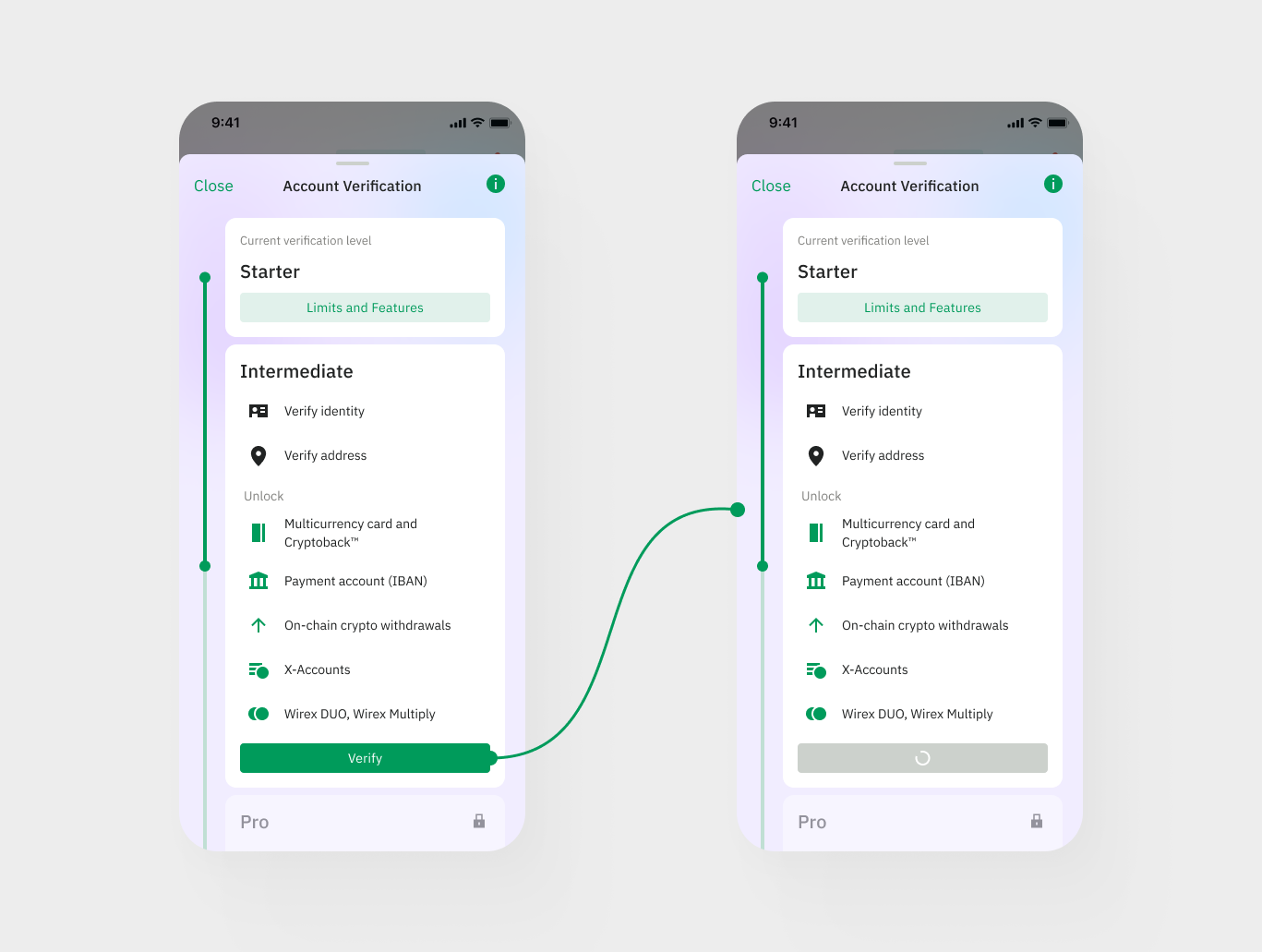
The verification flow is designed to be seamless for the user while maintaining rigorous security standards. By using cryptographic proofs, you can interact with compliant on-chain applications without constantly re-uploading sensitive documents. Always verify that the provider you choose adheres to strict data protection laws, such as GDPR or CCPA, to ensure your personal information is handled responsibly.
Store credentials securely
Your Verifiable Credentials (VCs) live in a digital ID wallet, which functions as the secure vault for your on-chain identity. Unlike a traditional browser cache, this wallet holds the cryptographic keys and signed proofs that prove who you are. In 2026, as digital identity shifts toward continuous assurance, the security of this wallet becomes the primary defense against deepfakes and AI-driven impersonation attacks.
Most users store their credentials in a mobile ID wallet or a dedicated browser extension. These apps allow you to manage multiple credentials—such as a verified passport, a university degree, or a professional license—without exposing the underlying data to every service you visit. You control which credentials are shared and for how long.
To keep your identity safe, enable biometric authentication or hardware key support within your wallet settings. This ensures that only you can authorize the release of your credentials. Regularly review which applications have access to your wallet and revoke permissions for services you no longer use. This practice limits the attack surface and maintains the integrity of your on-chain identity.
Presenting credentials to dApps
Onchain digital identity products are transforming corporate onboarding and consumer access by allowing verified citizens and businesses to apply for services directly through decentralized applications. To use your verified identity, you must bridge the gap between your wallet and the dApp’s access control or compliance layer.
1. Connect your wallet
Navigate to the dApp and initiate the connection. Most modern interfaces support standard wallet providers. Ensure you are connecting the same wallet that holds your verified credentials or Soulbound Tokens (SBTs).
2. Locate the identity verification prompt
Look for a "Verify Identity," "KYC," or "Access Control" button within the dApp interface. This is often found in the user profile section or the entry gate for specific features, such as staking or trading.
3. Request the credential
Click the verification prompt to trigger a request for your on-chain identity. The dApp will specify which credentials are required (e.g., age verification, residency, or accreditation). You may need to approve a signature request in your wallet to authorize the data share.
4. Share or prove the credential
Select the verified credential from your wallet’s identity provider. You can either share the full credential or use a zero-knowledge proof to demonstrate compliance without revealing sensitive personal data. Confirm the transaction to submit the proof.
5. Confirm access
Once the dApp validates the credential against its compliance rules, your access will be granted. The interface should update to reflect your verified status, allowing you to proceed with the restricted activity.
Common identity verification: what to check next
On-chain identity verification addresses specific concerns about privacy, the blockchain trilemma, and what the process actually entails. The goal is to verify credentials without exposing sensitive personal data on public ledgers.
What is on-chain identity?
On-chain identity is a system that identifies individuals and organizations to enforce compliance and manage digital asset access. It uses cryptographic proofs to verify attributes like age or residency without revealing the underlying personal information. This approach allows users to maintain control over their data while satisfying regulatory requirements.
What is the blockchain trilemma?
The blockchain trilemma describes the difficulty of simultaneously optimizing security, decentralization, and scalability. On-chain identity solutions must balance these factors to ensure that verification processes are secure and private without slowing down transaction speeds or centralizing control. Understanding this trade-off is essential for evaluating verification platforms.
Is my personal data safe on the blockchain?
Modern on-chain identity systems are designed to be privacy-preserving. They typically use zero-knowledge proofs or similar cryptographic techniques to verify claims without storing raw personal data on the public ledger. This ensures that while the verification status is public, the underlying personal details remain confidential.
No comments yet. Be the first to share your thoughts!