Why subscribe onchain matters
Subscribe Onchain lets you track crypto news directly from the source, bypassing the delays and interpretations of traditional aggregators. When a protocol, project, or news outlet publishes an update on-chain, it becomes part of the public ledger immediately. Subscribing to these on-chain events means you receive notifications the moment that data is written, offering a speed advantage that off-chain RSS feeds or centralized news sites cannot match.
This direct access provides two distinct benefits: speed and transparency. Traditional aggregators must crawl websites, wait for API updates, or rely on manual submissions before publishing a headline. By subscribing on-chain, you remove the middleman. You are not waiting for a journalist to summarize a tweet or a press release; you are watching the raw data event happen in real time.
Transparency is equally critical in high-stakes crypto environments. On-chain events are permanent and verifiable. If a project announces a new token unlock or a governance vote, the on-chain record is the single source of truth. Subscribing to these events ensures you are reacting to verified facts rather than secondary reports, which can sometimes contain errors or biases.
The result is a more efficient information flow. You spend less time filtering through noise and more time acting on verified, timely data. This approach aligns with the core ethos of decentralized finance: trust the code and the ledger, not the intermediary.
Install the OnchainKit template
To track crypto news in real time, you need a working instance of the Subscribe Onchain application. The fastest path to a functional setup is using the official create-ock Next.js template, which pre-configures the OnchainKit components required for subscription-based onchain notifications.
This template handles the heavy lifting of connecting your frontend to the necessary blockchain data sources. Instead of building the infrastructure from scratch, you get a clean, production-ready project structure that you can customize immediately.
1. Create the project
Open your terminal and run the create-ock command. This scaffolds a new Next.js project with all the necessary dependencies pre-installed. You can name your directory subscribe-onchain or any name that fits your workflow.
npx create-ock@latest subscribe-onchain
2. Navigate to the directory
Change into your new project folder. This step ensures that subsequent commands, such as installing dependencies or starting the development server, are executed in the correct context.
cd subscribe-onchain
3. Install dependencies
Although the template is pre-configured, running npm install (or yarn / pnpm) ensures that all packages are correctly linked to your local environment. This is a standard safety check before launching the app.
npm install
4. Start the development server
Launch the local development server. This command starts the Next.js application on http://localhost:3000. You can now open your browser to view the default Subscribe Onchain interface.
npm run dev
Configure environment variables
The application requires specific environment variables to connect to the blockchain and handle subscription data. Without these, the app will fail to fetch real-time news or process onchain events.
Create a .env.local file in the root of your project. Copy the contents of .env.example if available, and fill in the required values. You will typically need an RPC URL provider (like Alchemy or Infura) and potentially API keys for news data sources.
NEXT_PUBLIC_RPC_URL=https://your-rpc-provider-url
NEXT_PUBLIC_NEWS_API_KEY=your-news-api-key
Restart the development server after saving these changes. The application will now read the new configuration and attempt to connect to the specified endpoints.
Verify the installation
Navigate to http://localhost:3000 in your browser. You should see the Subscribe Onchain landing page. Check the browser console for any errors. If the page loads without red error messages, the basic installation is successful.
Test the subscription feature by entering a wallet address or token contract. If the app returns data or allows you to subscribe, your integration is working. If not, double-check your environment variables and network connectivity.
Amazon Product Recommendations
While this is a software setup, having the right hardware can improve your development experience. Here are some recommended tools for crypto developers.

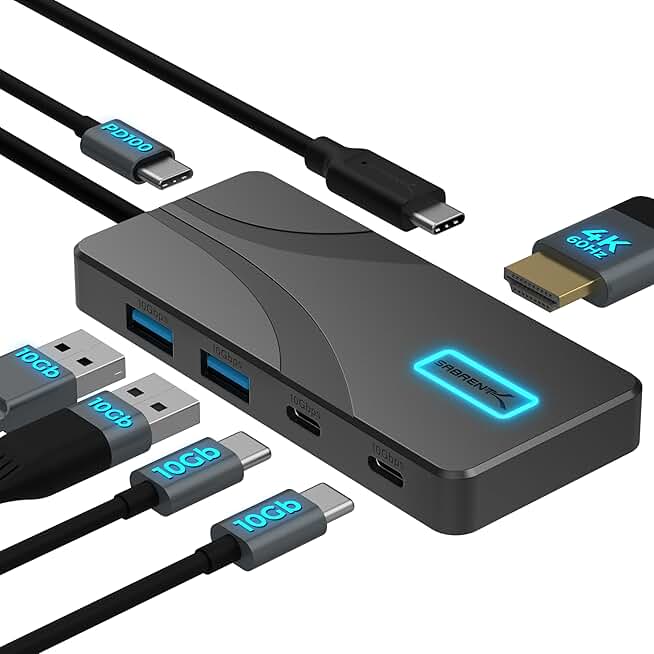

As an Amazon Associate, we may earn from qualifying purchases.
Configure your news feeds
Connecting specific blockchain networks and data sources is the core mechanic of Subscribe Onchain. Without these connections, the platform has no stream to monitor or relay to your wallet.

Start by linking your Web3 wallet to the Subscribe Onchain interface. This establishes the identity that will receive your future notifications. Ensure you are on the correct network that matches your target data sources.
Choose the specific blockchains you want to track. Subscribe Onchain supports multiple ecosystems, but you must explicitly select the ones relevant to your strategy. Adding unnecessary networks increases noise and gas costs for notifications.
Pick the protocols, token contracts, or address ranges that trigger alerts. You can filter by specific smart contract interactions or broad wallet movements. Precision here is what separates useful news from spam.
Configure how and when you receive updates. You can set thresholds for transaction values or filter by specific action types. This step ensures you only get alerted when the data matters to your portfolio.
Once configured, your feed becomes a live stream of on-chain activity. You can adjust these settings at any time, but starting with a narrow focus prevents information overload.
Set up real-time alerts
Real-time tracking requires configuring your notification preferences to filter signal from noise. Subscribe Onchain allows you to define specific triggers so you are notified only when relevant on-chain activity occurs. This setup ensures you catch significant market movements, such as large transfers or new token launches, without being overwhelmed by irrelevant data.

Open the Subscribe Onchain interface and navigate to the alert configuration menu. Choose the specific on-chain events you want to track. Common choices include large wallet transfers, new token deployments, or smart contract interactions. Selecting the right event types ensures your alerts remain relevant to your tracking goals.
Set precise parameters for when alerts should trigger. For large transfers, define a minimum value threshold (e.g., in USD or token count) to avoid minor transaction clutter. For new token launches, you may set filters for liquidity depth or contract verification status. These thresholds act as a filter, ensuring you only receive notifications for events that meet your specific criteria.
Decide how you want to receive these alerts. Options typically include in-app notifications, email digests, or push notifications to your mobile device. For immediate action on large transfers, push notifications are often preferred. For daily summaries of new token launches, email may be more suitable. Configure your preferred channel to match your workflow and urgency needs.
Once configured, test your alert settings by simulating the chosen events if possible, or monitoring a low-stakes wallet first. Verify that notifications arrive promptly and contain the correct details. Adjust thresholds or event types based on initial feedback to ensure the alerts remain useful and actionable over time.
To ensure your setup is complete, use this checklist to verify each component:
-
Event type selected (e.g., large transfer, new token)
-
Threshold defined (e.g., minimum value, liquidity depth)
-
Notification channel configured (e.g., push, email)
-
Alert test completed and verified
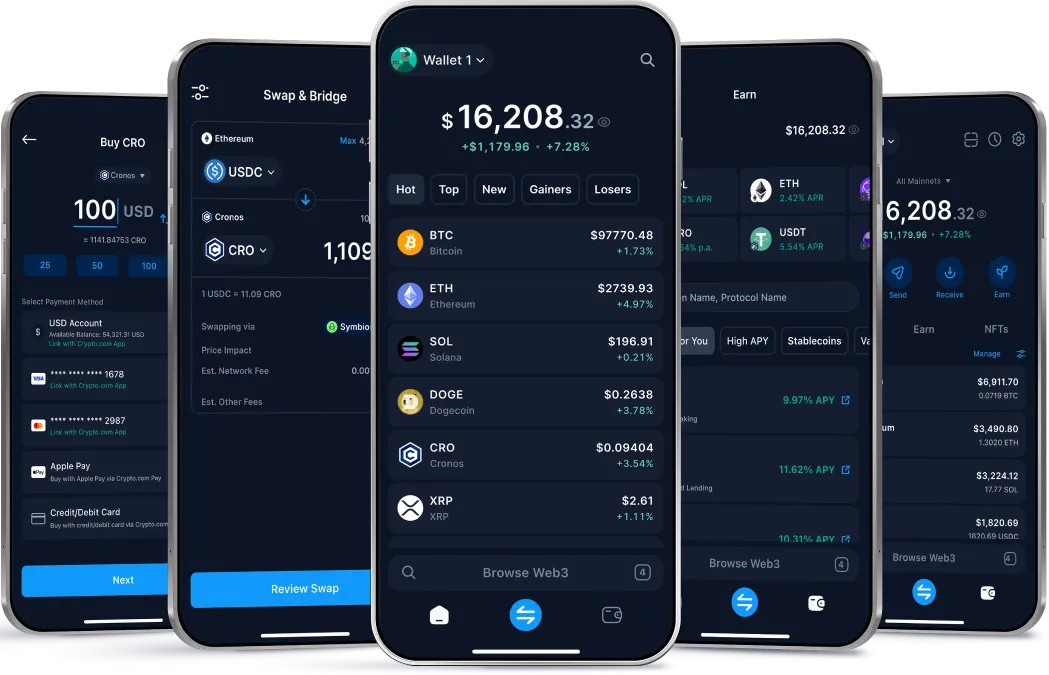
Crypto.com’s Onchain Wallet interface provides a structured way to manage these preferences, offering personalized insights and real-time market trends directly within the app. By configuring these alerts, you transform raw on-chain data into actionable intelligence, keeping you ahead of market movements.
Verify your data sources
Before trusting Subscribe Onchain for live market signals, confirm the data originates from the blockchain itself, not a centralized exchange. An onchain wallet controls keys to assets recorded directly on the ledger, meaning the data reflects actual state changes rather than IOUs held by a third party Openfort. This distinction is critical for high-stakes trading where latency or false signals can result in significant loss.
Start by checking the feed’s source address against the official contract deployed on your target chain. Subscribe Onchain should point to verified, audited smart contracts rather than generic API endpoints. If the platform integrates with specific protocols like Uniswap or Aave, cross-reference the event logs on a block explorer like Etherscan to ensure the events match the onchain reality.
Finally, validate the latency of the push notification. Real-time onchain data should arrive within seconds of a block confirmation. If you notice delays, the source may be relying on slower, off-chain indexing services. Consistent, low-latency delivery confirms you are connected to a reliable node provider or indexer, ensuring your news tracking remains accurate and actionable.
Common setup mistakes
Even with a clear plan, configuration errors can block your real-time crypto news tracking. These frequent setup mistakes usually stem from overlooking basic requirements or misconfiguring network parameters.
Missing API keys or tokens Subscribing to on-chain data often requires authentication. If you skip adding your API key to the request headers, the connection will fail immediately. Check your dashboard to ensure your key is active and correctly formatted.
Incorrect network IDs Crypto news spans multiple chains. If you subscribe to the Ethereum mainnet but your wallet is on Arbitrum, you will miss relevant updates. Always verify the network ID in your subscription settings matches the chain where the data originates.
Ignoring rate limits Real-time tracking can generate high traffic. Exceeding the provider’s rate limits may result in temporary bans or delayed data. Monitor your request frequency and implement exponential backoff if you encounter throttling errors.
Using outdated endpoints API endpoints change as protocols evolve. Relying on deprecated URLs can cause silent failures. Regularly check the official documentation for the latest endpoint versions and update your configuration accordingly.
No comments yet. Be the first to share your thoughts!